Guide
Melolo APK Battery And Performance Tips
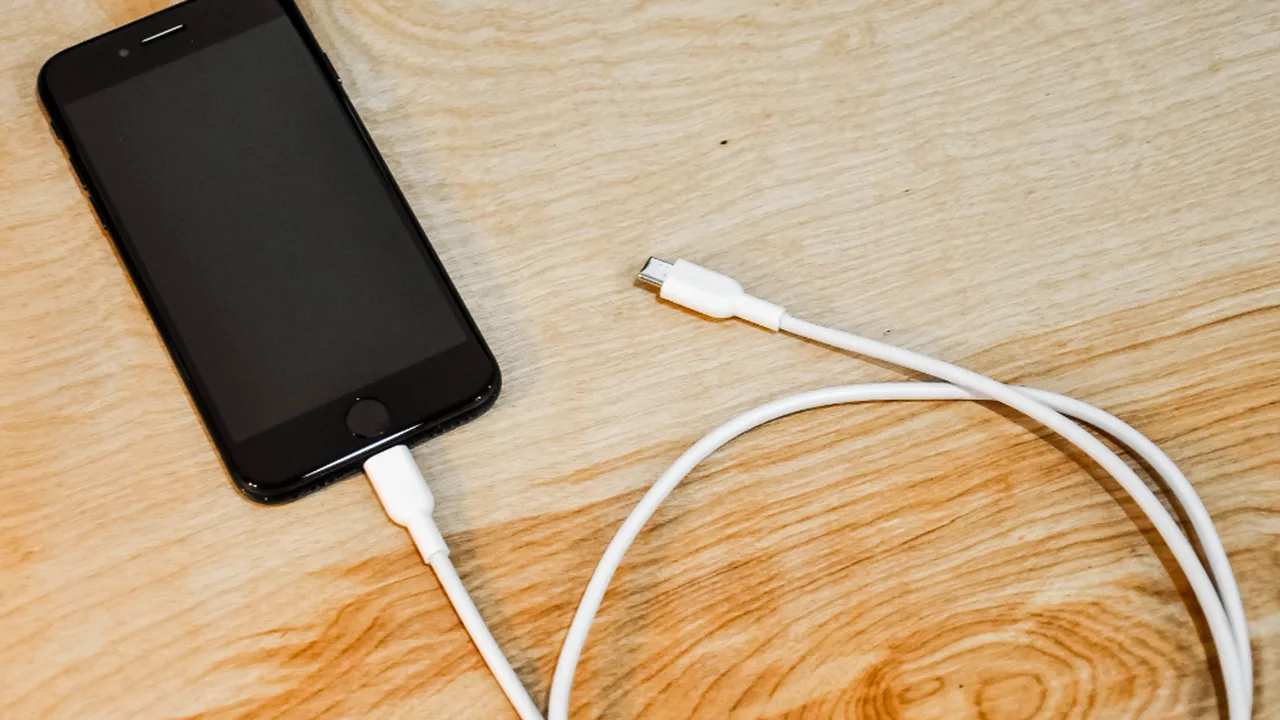
Streaming video is one of the hardest jobs a phone does: screen bright, radios busy, decoder working constantly. Melolo APK sessions are short per episode but often long in total, and the difference between a phone that survives an evening of drama and one that dies at episode nine is mostly settings.
This guide covers the changes that genuinely extend viewing, in the order they matter, plus the performance habits that keep older phones smooth. The Melolo APK page itself collects the download, the requirements and the FAQs in one place.
The Big Three: Screen, Quality, Signal
Battery drain in streaming has a clear podium. The screen is first, brightness is power in its purest form. Video quality is second, because higher bitrates keep both the decoder and the radio working harder. Signal strength is third and sneakiest: a phone straining for a weak connection burns power just staying attached.
Every tip that matters serves one of these three; everything else is rounding.
- Brightness is the largest cost
- Quality drives decoder and radio work
- Weak signal drains silently
- Fix the podium before the details
The Brightness Habit
Set brightness for the room you are in, not the room you left. Indoor evening viewing at half brightness can nearly double comfortable session length.
Quality Choices For Long Sessions
For planned long sessions, one step below maximum quality is the sweet spot on phones: faces and subtitles stay crisp while decoder and data loads fall meaningfully.
Reserve maximum quality for shorter, deliberate viewing, the finale on the good sofa, rather than as the permanent default for every episode.
Session-Based Quality
Think of quality as chosen per session, like volume. Long session, sensible setting; short occasion, everything turned up.
Background And System Habits
Streaming competes with everything the phone is doing. Before a long session, close the obvious heavyweights, pause cloud photo backups on mobile data, and let system updates wait for charging time.
Android battery settings also reveal which apps quietly share the blame; a drama evening sometimes dies by a thousand background cuts rather than one video stream. That side of the platform is covered in full in Melolo APK Video Quality Guide.
- Pause backups and updates while viewing
- Close heavy background apps
- Battery stats name the real culprits
- Charge-time is update-time
Heat: The Hidden Performance Tax
A hot phone is a slowing phone. Cases, direct sun, charging while streaming, and weak signal all push temperature up, and the system's response, throttling, shows up as stutter that looks like a network fault.
If an evening session degrades over time while the morning was smooth, suspect heat before settings: remove the case, stop charging during play, and give the phone air.
The Evening Degradation Pattern
Smooth at seven, stuttering at nine, on the same sofa and network, is the classic heat signature. Cooling the phone is the whole fix.
Keeping Older Phones Streaming Well
Older devices stream happily with respect: lower default quality, generous free storage so the system can breathe, other apps pruned, and expectations set to the phone's honest decade.
What older phones cannot survive is accumulation: years of resident apps competing during every stream. A lean phone is a fast phone at any age.
- Lower defaults for older hardware
- Keep storage breathing room
- Prune resident apps ruthlessly
- Lean systems stream smoothly
Frequently Asked Questions
What Drains Battery Fastest While Watching?
Screen brightness first, then video quality, then weak signal strain. Address those three before any minor tweak.
Should I Watch While Charging?
Occasionally, yes, but regular charging-while-streaming builds heat that throttles performance and ages the battery. Charge first when you can.
Why Does My Phone Stutter Only In Long Sessions?
Heat accumulation is the usual cause. The same session played on a cool phone in the morning typically runs cleanly.
Does Lower Quality Really Save Much Battery?
Yes: the decoder and radio both work less per minute, and across a long session the saving is substantial.
Conclusion
Longer, smoother Melolo sessions come from respecting the podium: brightness set for the room, quality chosen per session, and a signal the phone is not straining to hold, with heat treated as the hidden tax on everything.
None of it requires new hardware. An older phone with breathing room and sensible defaults will out-watch a flagship that is hot, full, and fighting its own background apps.
Related Guides

Guide
Melolo APK Parental Controls Guide | Family Viewing And Content Safety
Set up Melolo APK for family viewing: content maturity awareness, device-level controls on Android, viewing routines for younger audiences, and honest limits of in-app controls.
Open Guide
Guide
Melolo APK Subtitles And Language Guide | Watch Dramas In Your Language
Melolo APK subtitles and language settings explained: turning subtitles on, choosing subtitle languages, app display language, what to do when subtitles are missing or out of sync.
Open Guide
Guide
Melolo APK Watchlist Guide | Save, Organize And Revisit Favorite Dramas
Use Melolo APK watchlist and favorites well: saving series for later, organizing a growing list, removing finished titles, and combining watchlist habits with viewing history.
Open Guide