Guide
Melolo APK On Smart TV Guide
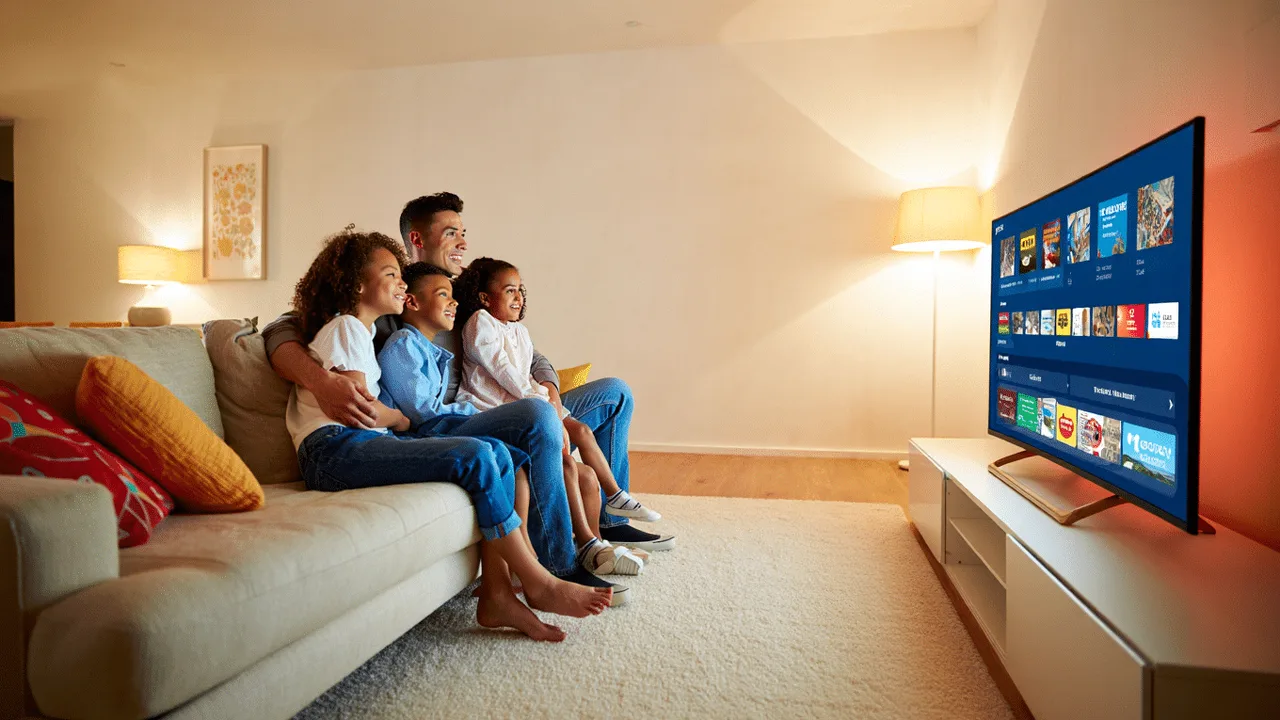
Short dramas are made for phones, but shared viewing changes their character completely: cliffhangers land harder with company, and a living-room screen turns a private scroll into a small event. Melolo APK reaches most smart TVs through casting or mirroring from the phone you already use.
This guide explains the connection options, what to expect from picture and subtitles at ten feet, and the fixes for the usual first-attempt failures. The main Melolo APK page brings the download, the app facts and the FAQs together in one place.
Casting Versus Mirroring: The Difference That Matters
Casting hands the stream to the TV, which plays it directly while the phone becomes a remote; quality is high and the phone stays free. Mirroring copies the phone screen itself, which is simpler and more universal but carries every notification and a touch more delay.
Where the player offers a cast option, prefer it. Mirror when casting is unavailable or when you need to show menus and browsing, not just episodes.
- Casting streams directly to the TV
- Mirroring copies the phone screen
- Casting keeps the phone free
- Mirroring shows notifications too
Spotting The Cast Option
Look for the cast icon in the player or along the top of the app while an episode is open. Both devices must share the same Wi-Fi network before the TV appears as a target.
Connecting Step By Step
Most failed first attempts are network mismatches, not broken features. Work through the connection in a fixed order and test with one short episode before settling in for a series.
- TV and phone on the same Wi-Fi
- Use the main home network, not a guest band
- Update the TV software when offered
- Test with one short episode first
The Connection Routine
Connect the TV to home Wi-Fi, open Melolo on the phone, start an episode, tap the cast option, choose the TV, and confirm the episode appears. Then set the phone down and control playback from the player as usual.
Picture And Subtitles At Ten Feet
Vertical phone-shaped video pillars on a wide TV for some titles; that is the source format, not a fault. Sit a little closer than your film distance, and judge quality after the stream settles at its higher rate, which can take half a minute.
Subtitles sized for a phone can feel small across a room. If the player offers subtitle size options, raise them for TV sessions and lower them back for phone viewing.
The Settling Minute
Streams often start soft and sharpen as bandwidth adapts. Give any new cast a full minute before concluding the TV or connection is at fault. The full picture on that side of the platform sits in Melolo APK Video Quality Guide.
Fixing Delay, Freezes, And Drops
Casting problems are usually Wi-Fi problems wearing a costume. Move the router's influence first: reduce distance or obstacles for the TV, prefer the less crowded band your router offers, and pause other heavy downloads during the session.
If one TV repeatedly fails while everything else streams, restart the TV fully from power, not just standby; smart TV software accumulates weeks of small faults between restarts.
- Wi-Fi quality decides cast quality
- Pause competing downloads
- Fully restart stubborn TVs
- Guest networks block discovery
- Router restarts fix discovery ghosts
Shared Viewing Etiquette And Atmosphere
The big screen rewards a little ceremony: lights low, phones down, and an agreement to finish the episode before discussing the twist. Short episodes make natural break points for drinks and debate, which is most of the fun of watching together.
Keep the remote, or the casting phone, with one agreed person per session to prevent dueling pause buttons.
The Cliffhanger Rule
Households that watch together often adopt a simple rule: nobody watches ahead alone. Short dramas make the rule easy to keep and the shared reactions worth it.
Frequently Asked Questions
Why Does My TV Not Appear As A Cast Target?
The phone and TV are almost certainly on different networks or bands. Connect both to the same home Wi-Fi and reopen the player.
Is Mirroring Worse Than Casting?
Mirroring works everywhere but shows your notifications and adds slight delay. Casting is cleaner for episode watching when available.
Why Is The Picture Pillar-Shaped On TV?
Many short dramas are produced in vertical or near-square formats for phones. The bars are the source format, not a connection fault.
How Do I Stop A Movie Night Freeze Cycle?
Improve the TV's Wi-Fi path, pause other downloads, and fully restart the TV from power if freezes repeat across titles.
Conclusion
Melolo on the big screen is a connection exercise with a social reward: same network for phone and TV, casting preferred over mirroring, a minute of patience while quality settles, and subtitle sizes raised for the room.
Set it up once with a short test episode and the living-room screen becomes the natural home for shared cliffhangers, where short dramas play less like a private scroll and more like the event television they secretly want to be.
Related Guides
Guide
Melolo APK Parental Controls Guide | Family Viewing And Content Safety
Set up Melolo APK for family viewing: content maturity awareness, device-level controls on Android, viewing routines for younger audiences, and honest limits of in-app controls.
Open Guide
Guide
Melolo APK Subtitles And Language Guide | Watch Dramas In Your Language
Melolo APK subtitles and language settings explained: turning subtitles on, choosing subtitle languages, app display language, what to do when subtitles are missing or out of sync.
Open Guide
Guide
Melolo APK Watchlist Guide | Save, Organize And Revisit Favorite Dramas
Use Melolo APK watchlist and favorites well: saving series for later, organizing a growing list, removing finished titles, and combining watchlist habits with viewing history.
Open Guide